禁用 services.msc 导致 Microsoft Store 卡加载#
- Windows + R 输入
services.msc打开服务,将Windows Update服务的启动类型改为自动,停止Windows Update服务 - 打开
C:\Windows\,删除SoftwareDistribution文件夹,启动Windows Update服务 - 再次打开商店应用,问题解决,但无法登录
- Windows + X 打开
网络连接(W),打开更改适配器选项,右键当前所连接的网络,选择属性 - 双击
Internet 协议版本 4(TCP/IPv4),选择使用下面的 DNS 服务器地址(E),输入4.2.2.2,登录成功后改回自动获得 DNS 服务器地址(B)
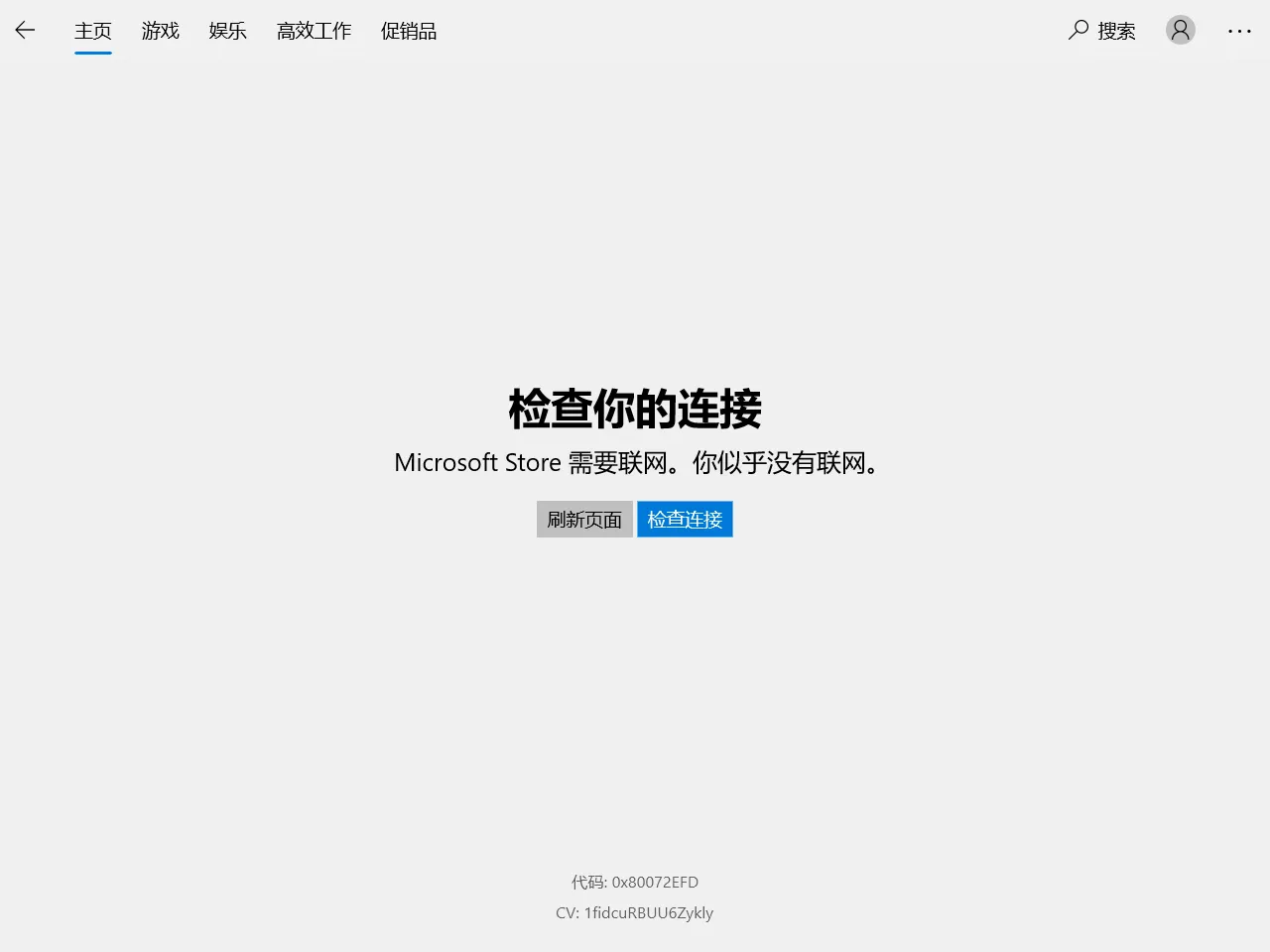
使用 Clash 代理后导致无法连接网络#
- 打开
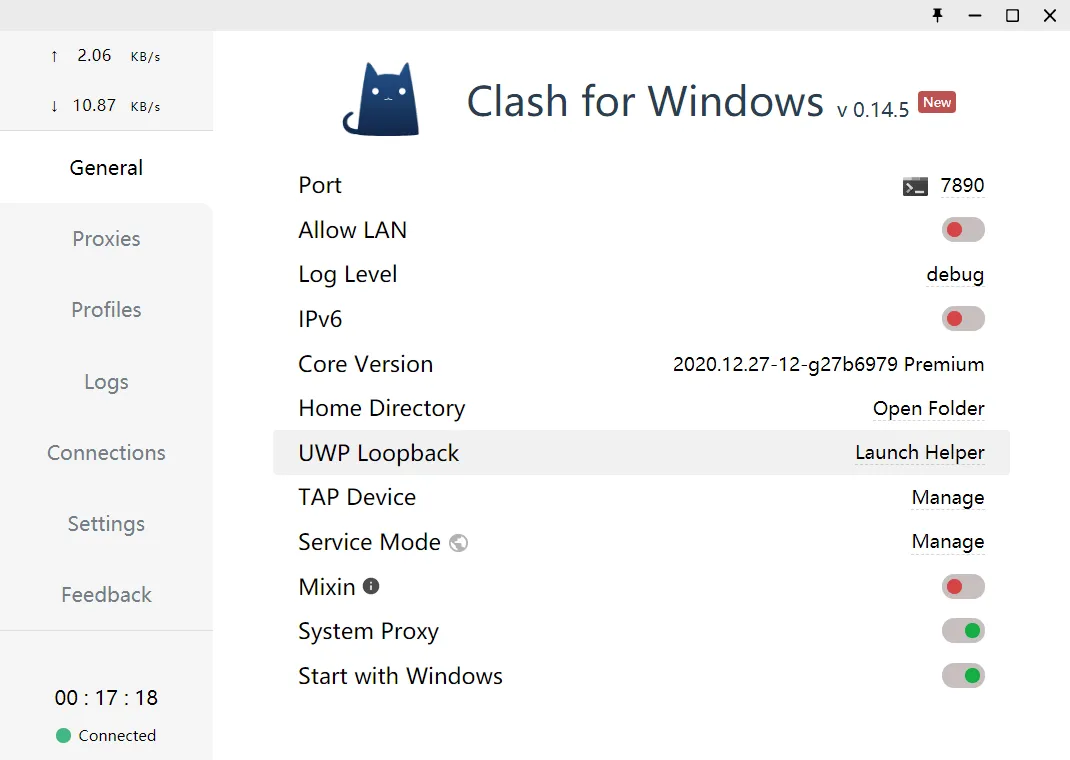
Clash for Windows - 选择
General - 打开
UWP Loopback-Launch Helper
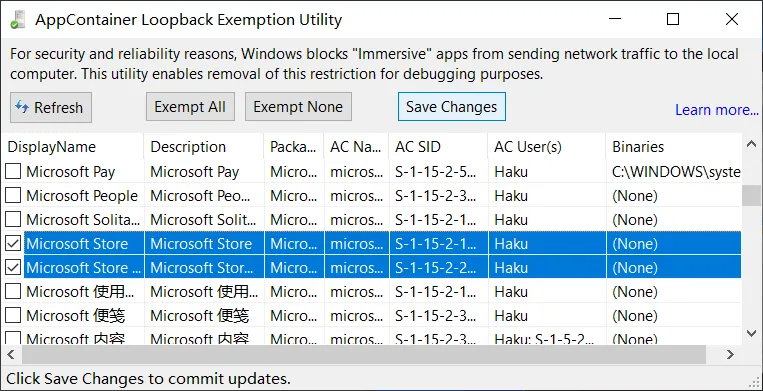
- 勾选
Microsoft Store、Microsoft Store 体验主机,点击Save Changes
参考资料: